Content Operations
State of Flow
Learn how teams build channels that grow sustainably — with systems, not stress.
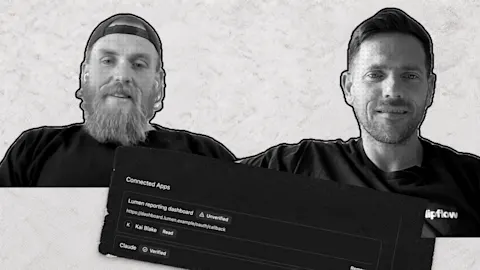
What your customers pay for when an assistant can do the work
When an AI assistant can do the work, customers pay for what it can't copy. Decide which parts of your business those are.
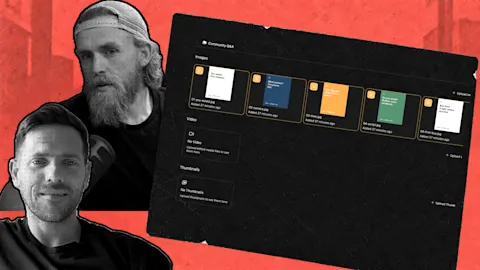
Decide what to make before the tools make it for you
An idea list, a clear out-of-scope line and a results check keep you in control when an assistant can build a post in minutes.
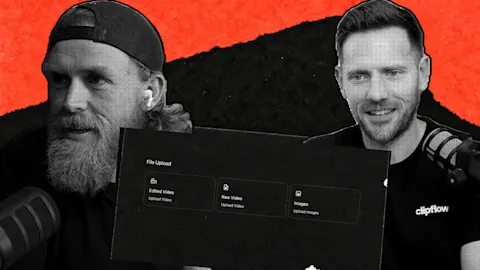
Get your long videos ready for Instagram
Instagram is testing 90-minute horizontal video with select creators. Prepare the long videos you already make and link your shorts to them.
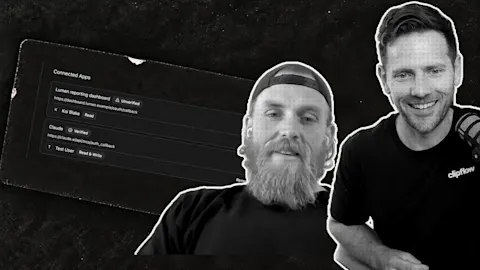
Let your assistant draft posts from your own library
Claude drafted a co-founder post from our shared file library in one request. Give your assistant real material and it writes in your voice.
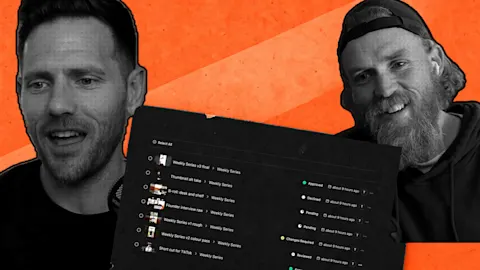
Test your hook and your call to action first
YouTube says video-cut testing is coming. Until then, test two things in your own videos: how they open and which call to action closes them.

Answer the question your customers type into ChatGPT
New customers now say they found us through ChatGPT or Claude. A how-to help guide on trial reels brought signups within two days of going live.

The small details that keep your team moving
When an editor stops to ask which opening you want, give them the decision and the reason behind it, and keep both with the script on the project page.
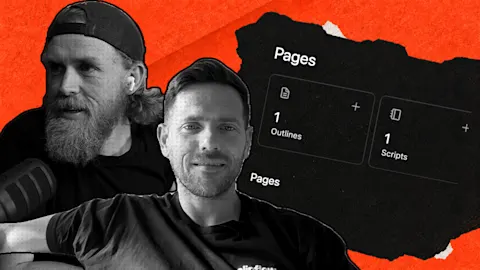
Give your team the context to keep content moving
Inline link previews keep a reference beside the script, Instagram collaborators let a partner co-author a post, and the planner now spans organizations.

Turn this week's video into a plan your team can run
Projects now have a Posts page that groups posts by schedule, plus a clearer way to connect channels for automatic publishing and check a client's setup.
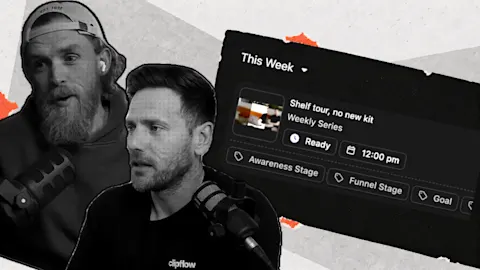
Review your backlog and get the next fortnight ready
The new Review screen shows media, caption, channel and schedule together. Move through drafts with the arrow keys or J and K, and press R to mark ready.

Keep your content plan visible when publishing gets busy
One customer dropped their weekly status meeting by running on the Kanban board and automatic scheduling. Rejected posts now show Failed, with a retry.

Find the content worth repeating inside your own strategy
Filter analytics by channel, post type and custom label so trial reels are compared with trial reels, and label each video by the question it answers.
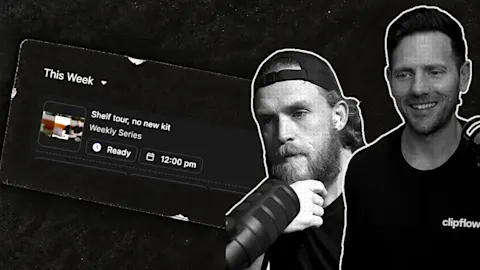
Bring a good old post back into your content workflow
Convert an imported post into a working project when you plan to repurpose it, attach the new brief, and keep the rest of your history out of the queue.

Teach your automation which content belongs where
Set conditions on orientation, duration and project labels so each file drafts for the right channel, then test one real recording before using defaults.
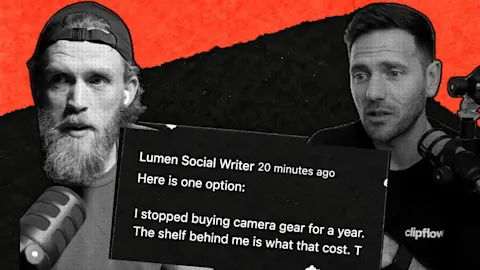
Turn a useful reel into a post for another audience
Ken had the in-app AI draft a LinkedIn post from a reel's transcript and got 3,800 impressions against his usual 100 to 200. The steps, and what to check.
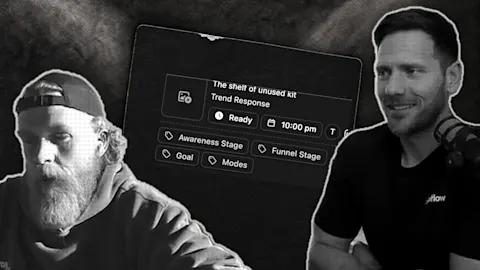
Check one post end to end before trusting the queue
Follow one real post from approval to the live platform, then agree who checks failed publishes so the founder isn't watching every successful one.

Compare your content across brands without swapping logins
Compare the same period and content type across founder and business accounts, then turn the standout post into a follow-up brief with one change to try.

Put your finished video backlog to work across channels
Darrell scheduled more than 200 posts in an afternoon from work we'd already finished. Start smaller: pick three answers customers still need.
Page 1 of 5 · 77 articles
Authors